With Exotel IVR integration, Vryno users can initiate and manage calls directly from within the CRM. This seamless setup reduces the need for manual dialing and ensures efficient communication with leads, contacts, and customers.
Follow the steps below to configure and go live with Exotel IVR inside Vryno.
Step 1: Enable Exotel Integration in Vryno
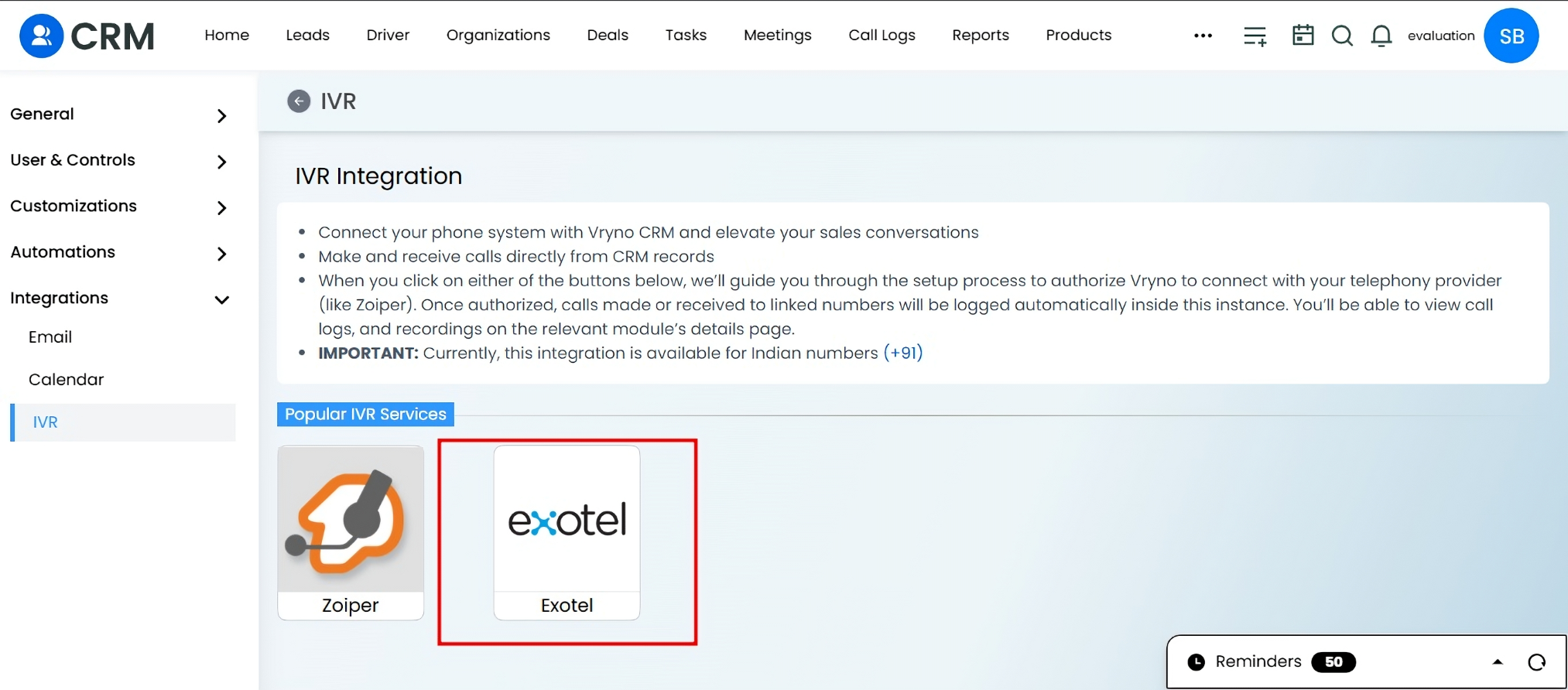
Log in to your Vryno CRM
Go to Settings > Integrations > IVR.
Select the Exotel Application
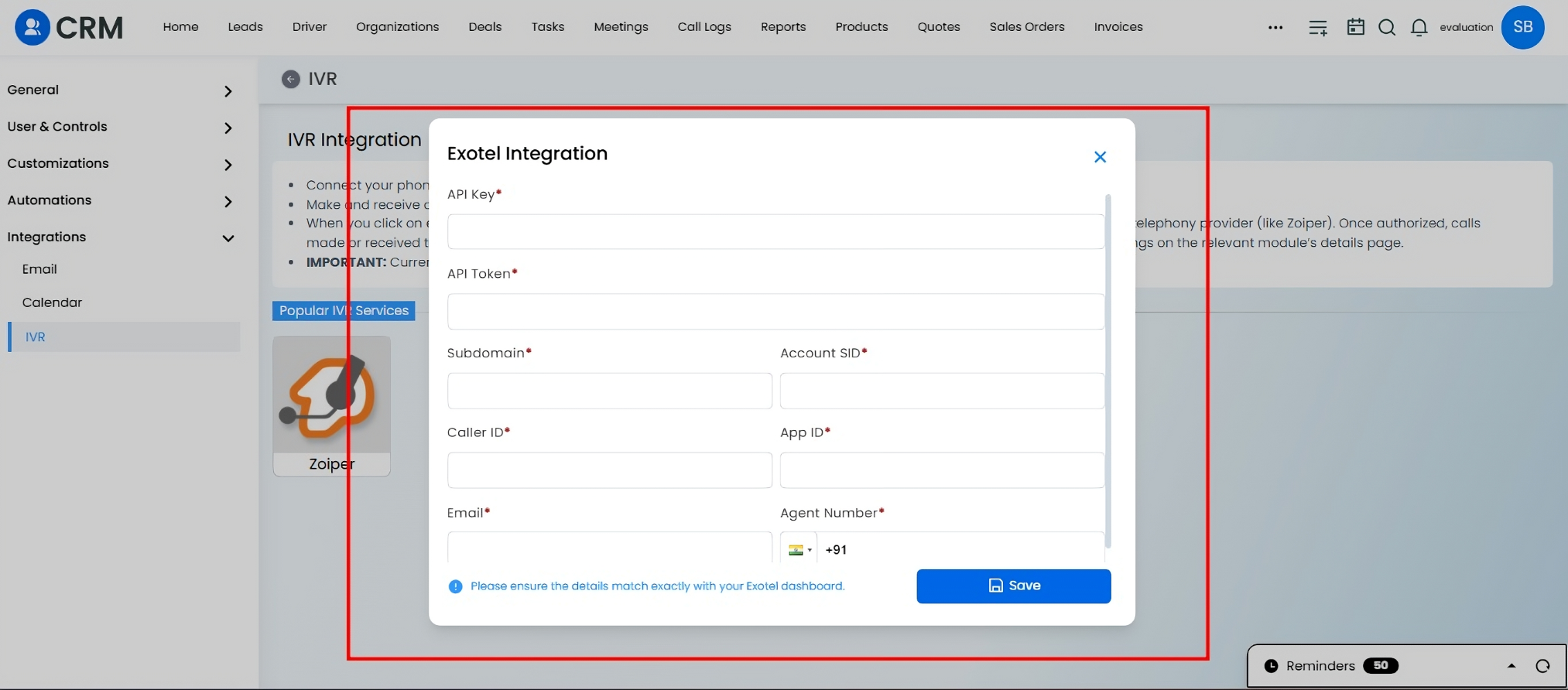
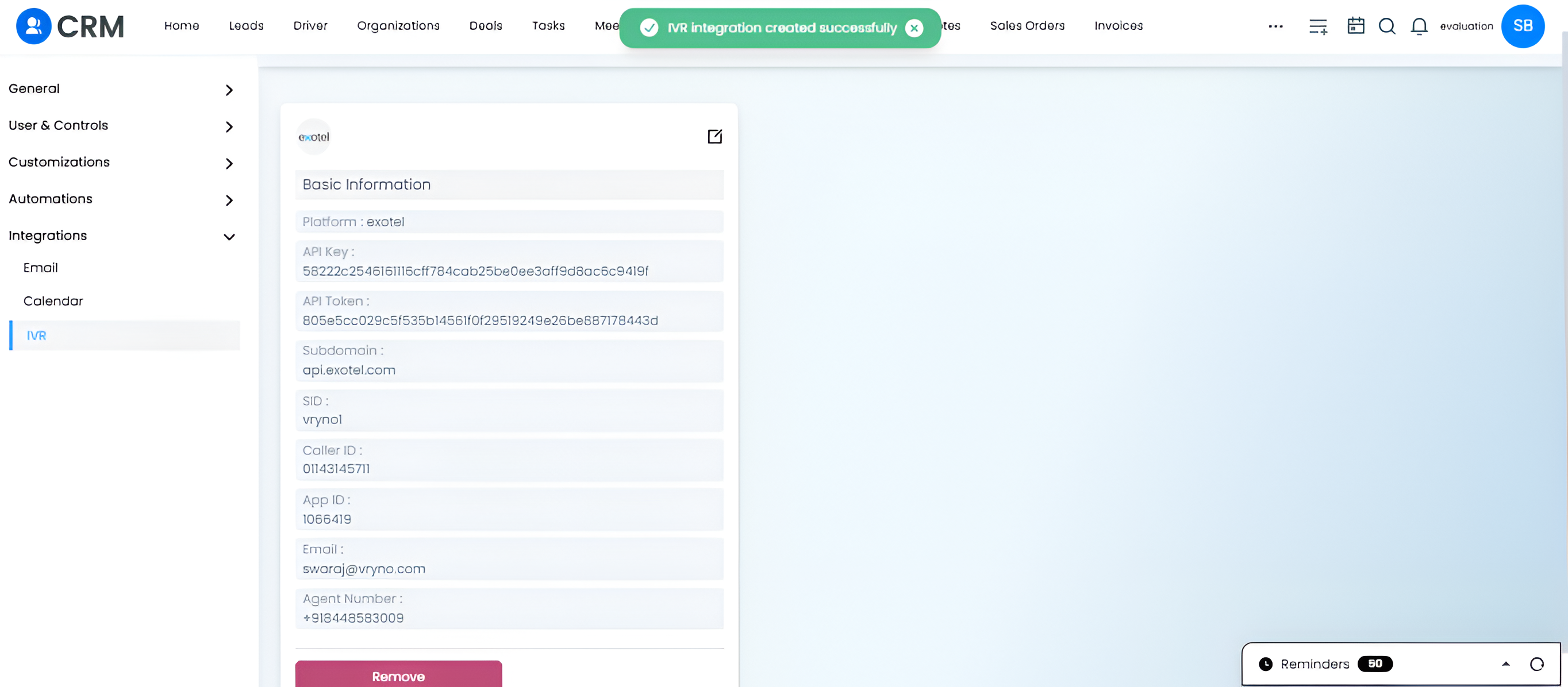
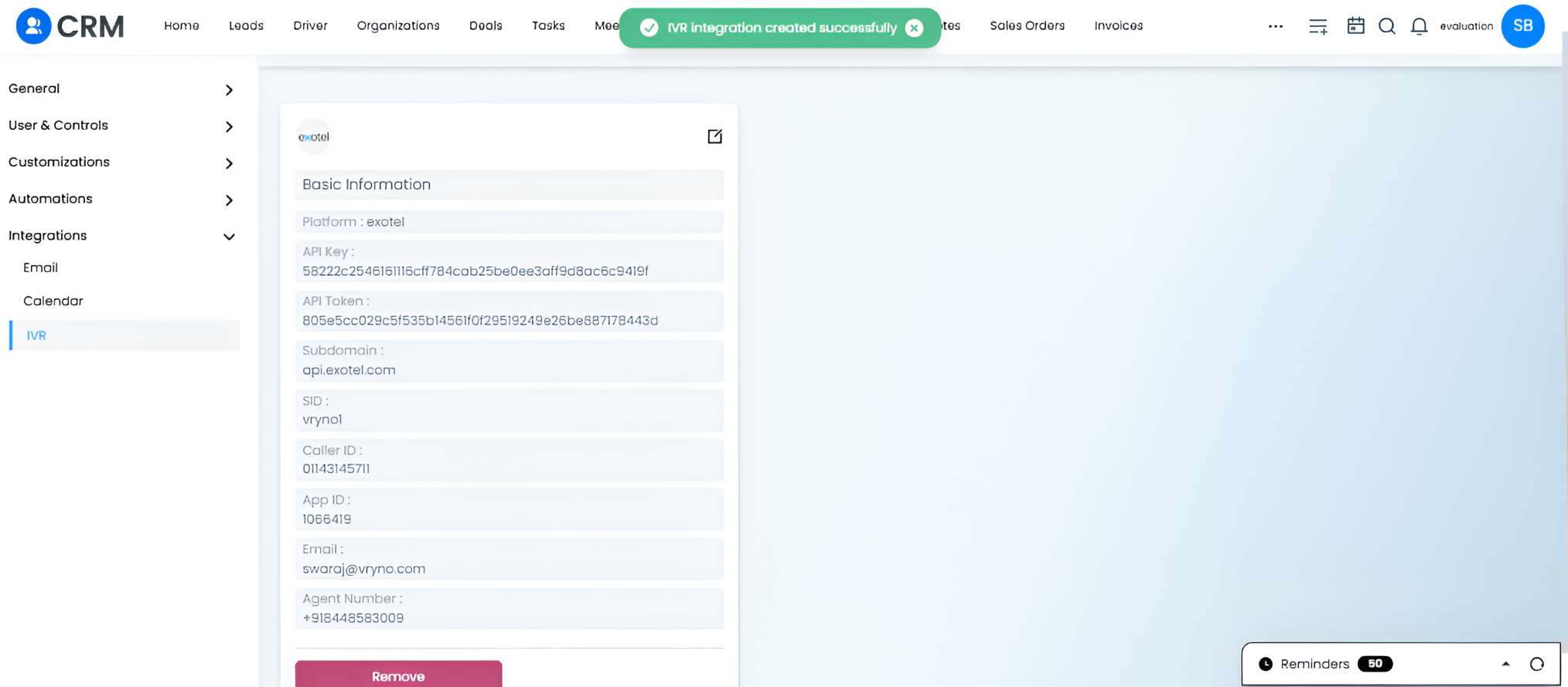
Fill in the required fields for integration.
Step 2: Retrieve API Credentials from Exotel
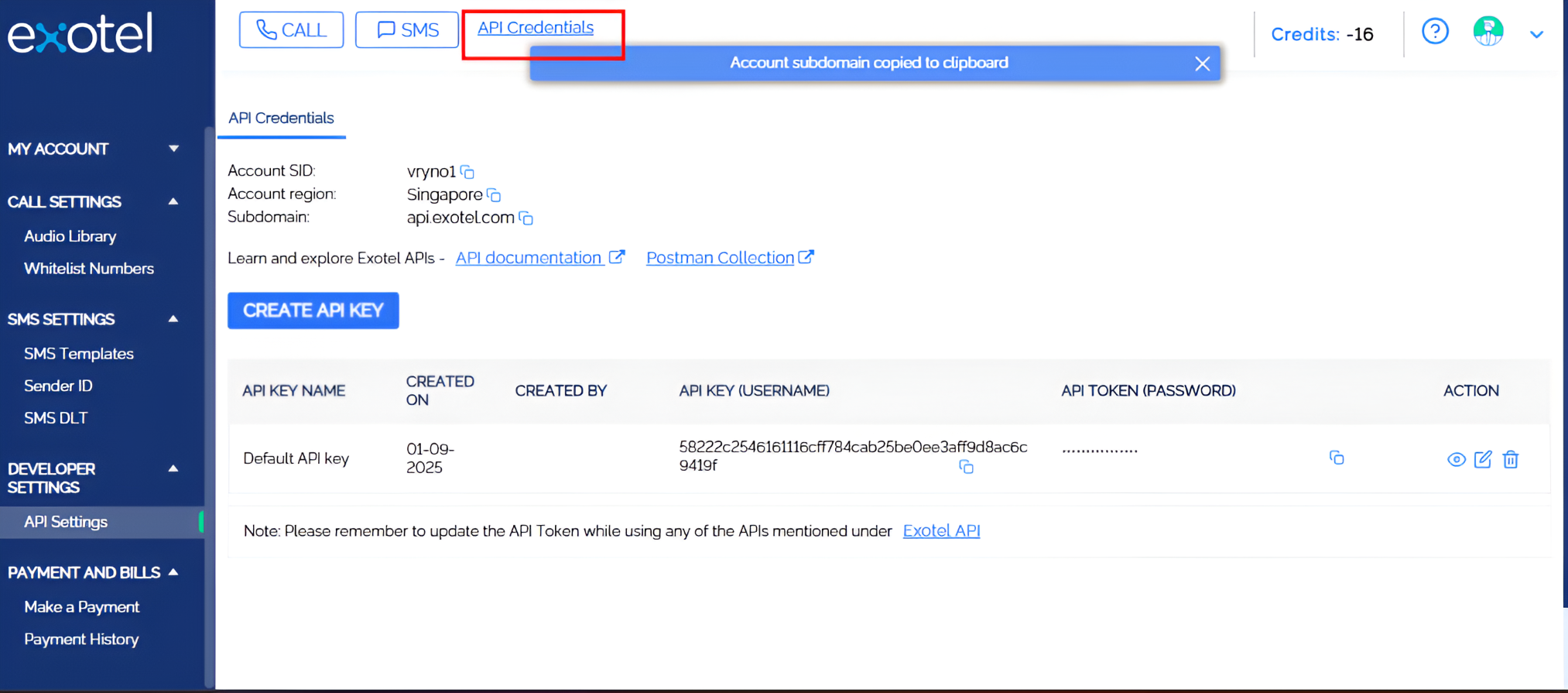
Open your Exotel Dashboard.
Click on API Credentials.
Copy the following details:
API Key
API Token
SID
Subdomain
Paste these credentials into the Exotel integration form in Vryno and save.
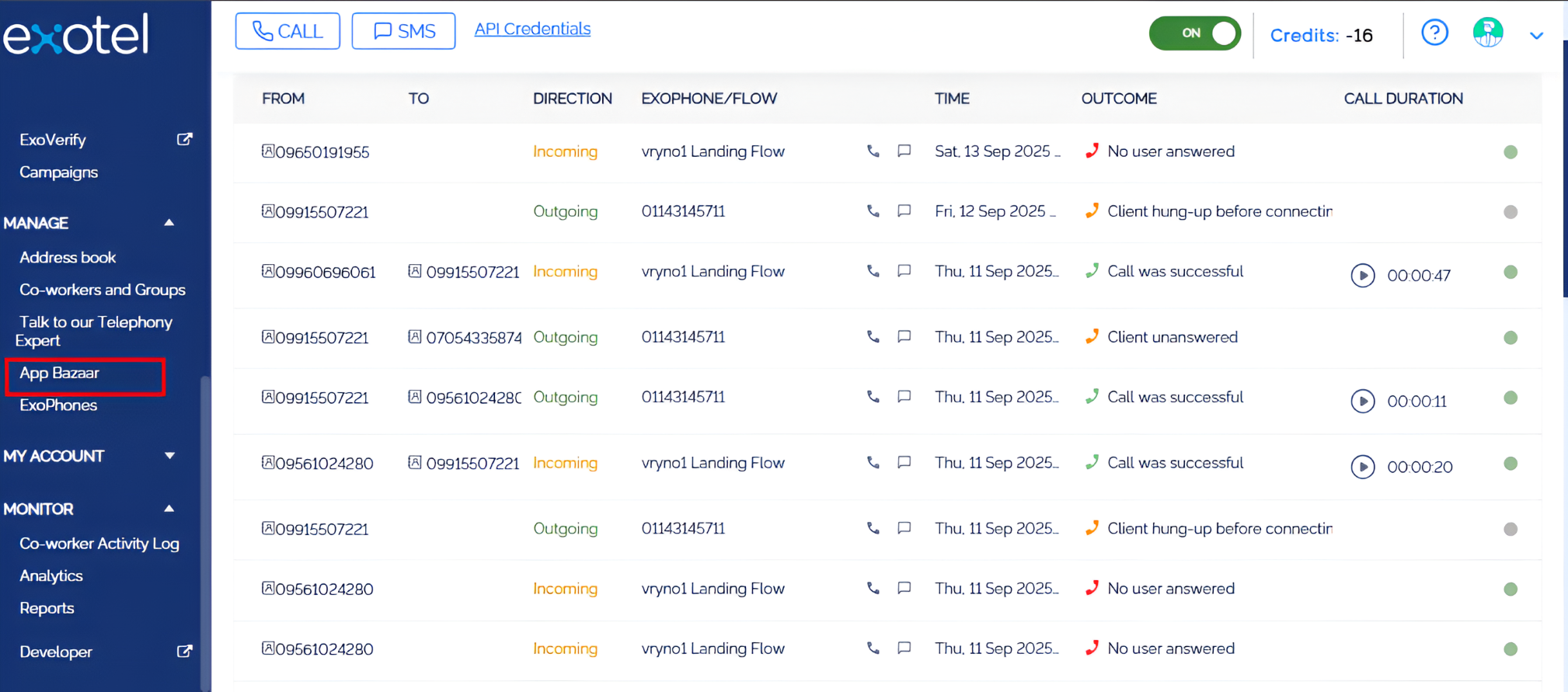
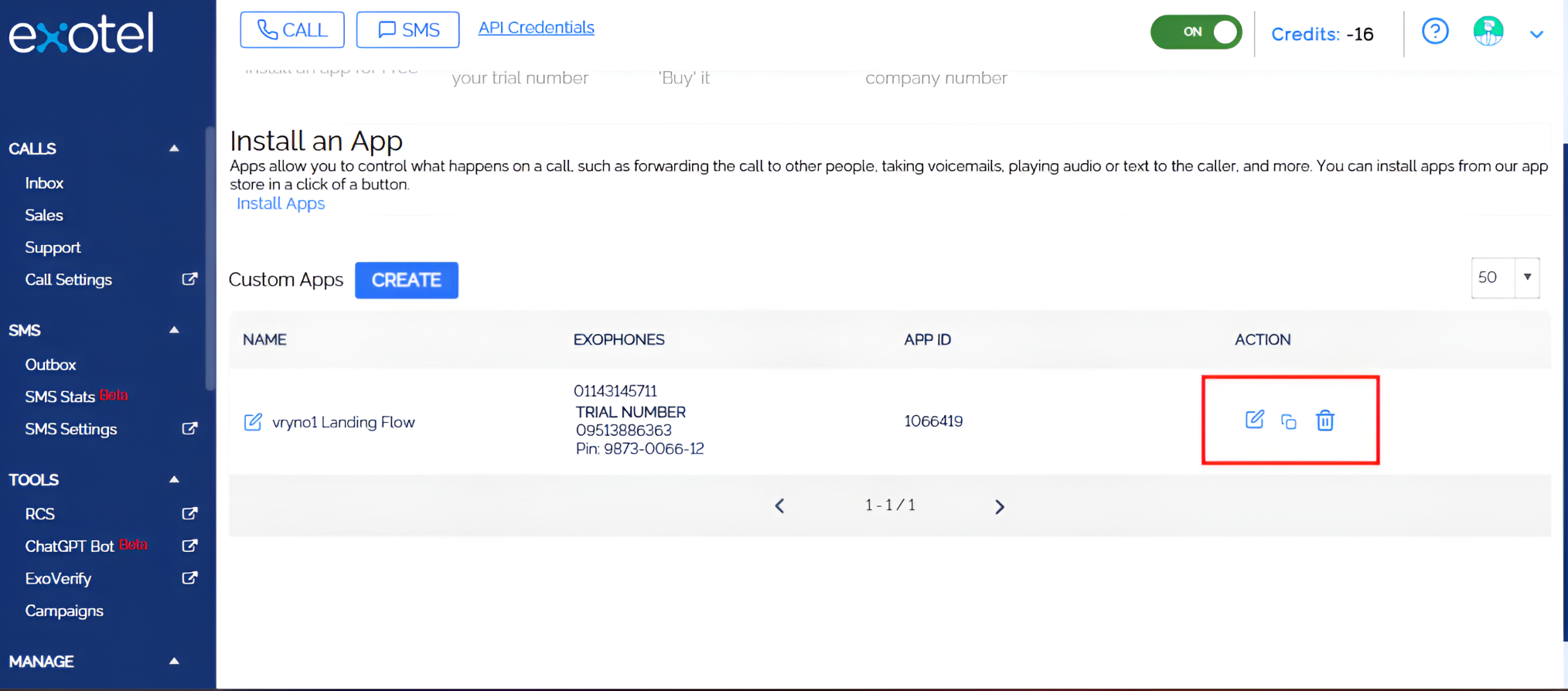
From the Exotel app configuration, copy your Caller ID and App ID.
Enter them into the Exotel Application tab in Vryno.
Add your Email ID and Agent Phone Number.
Save the integration.
Step 5: Finalize Call Flow in Exotel
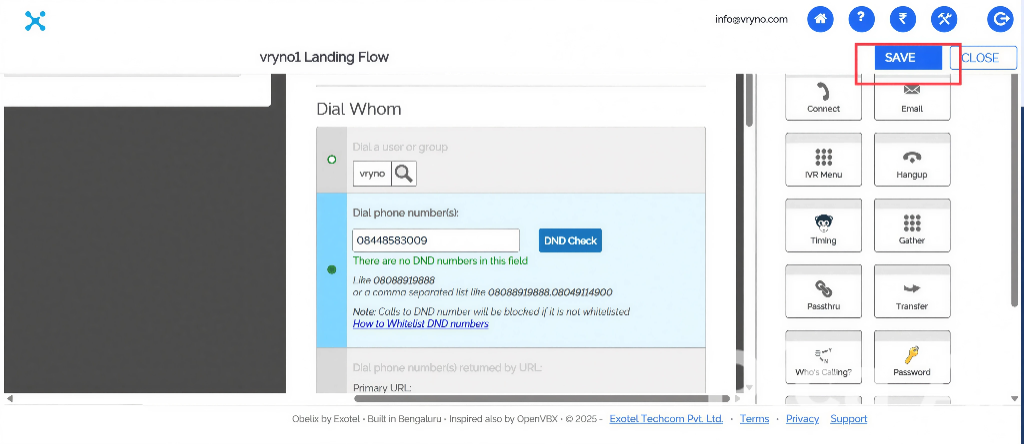
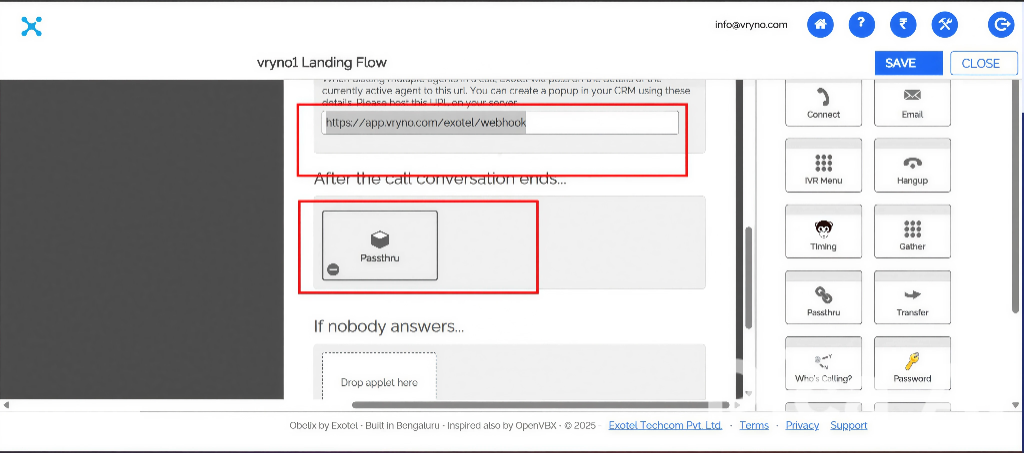
In the Exotel Landing Flow editor, configure the call flow using the Passthru
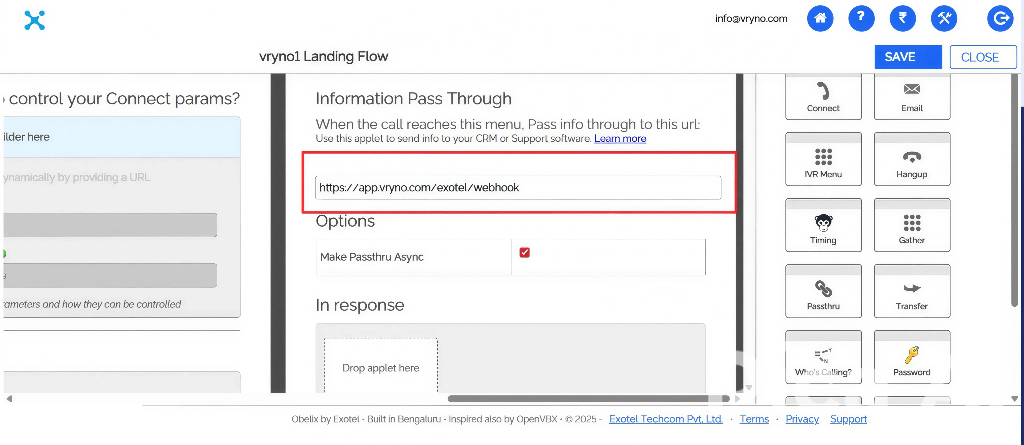
Ensure the Vryno Webhook URL is added under Information Pass Through.
Save your flow configuration.
Step 6: Go Live in Vryno
Once setup is complete, return to your Vryno CRM.
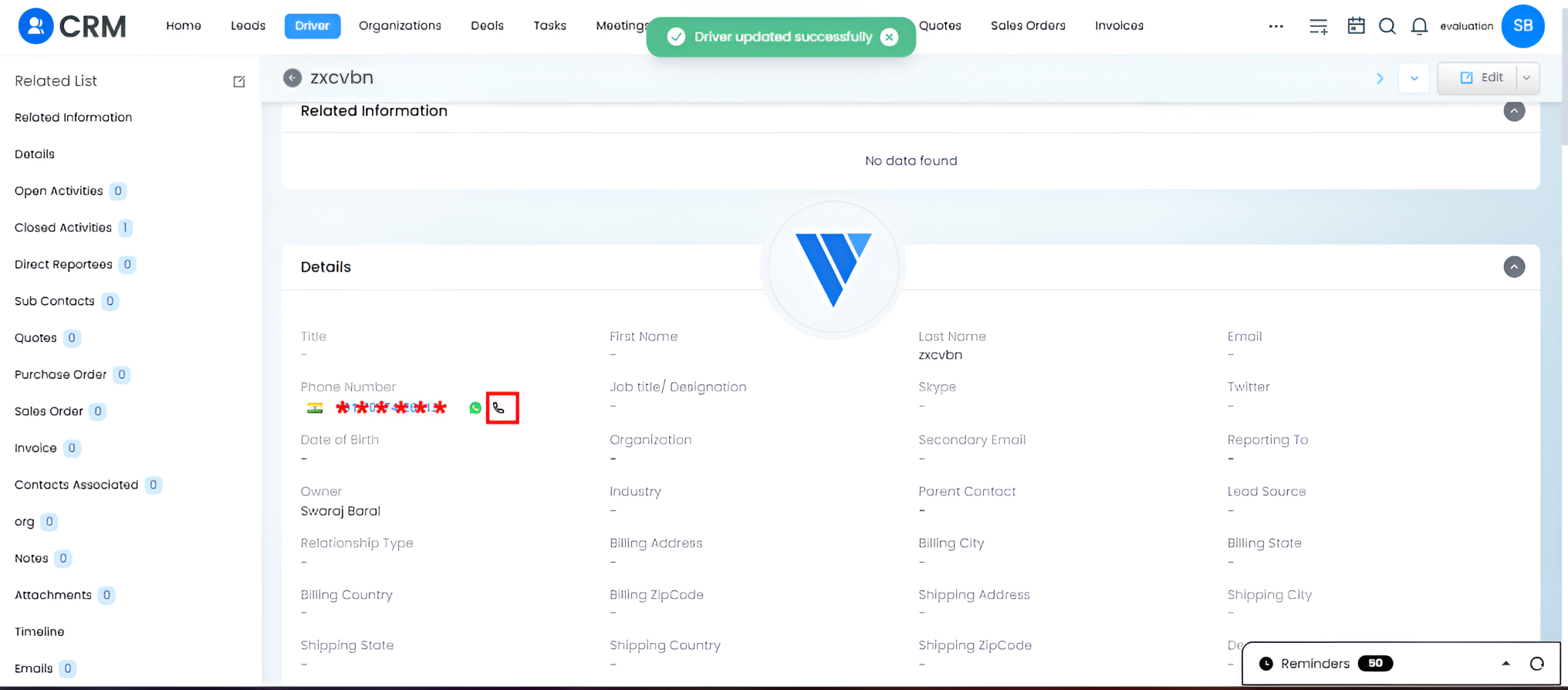
Open any record with a phone number and click the Call icon to initiate a call directly.
✅ You are now live with Exotel IVR inside Vryno CRM. Your agents can call customers, track call logs, and manage communication seamlessly within the CRM.