Steps to send Mass Email to Contacts:
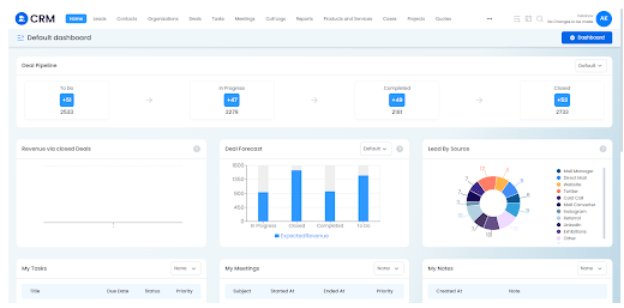
Step 1: Log in to your Vryno CRM account
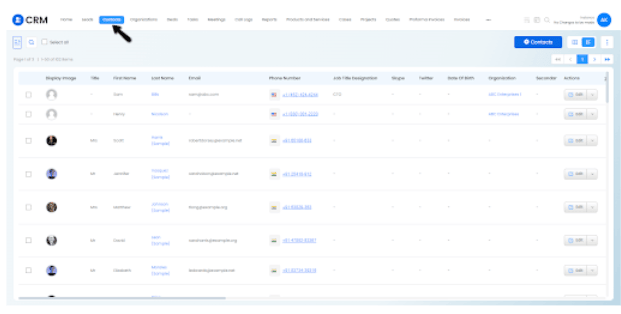
Step 2: Click on Contacts on the Top Menu Bar
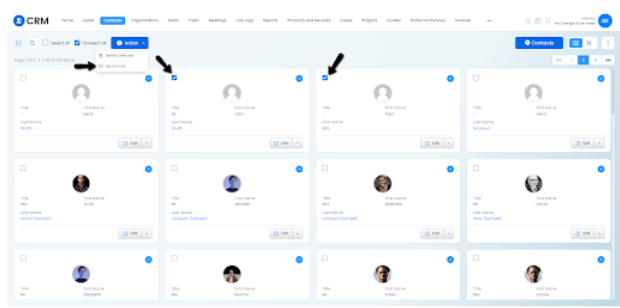
Step 3: Select the contacts you want to send the email to (You can select all records at once using the Select All button), Click on Action on the top and Select Send Email:
Step 4: Choose the Email Template and make a choice whether you want to send the Emails right away or you want to schedule it for later
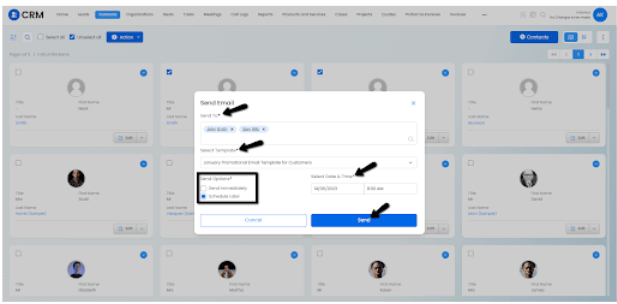
Step 5: Click on Send