Transferring Lead Ownership in Vryno CRM
There are two ways to changing ownership:
- Transferring Lead Ownership by Editing Individual Leads
Follow the steps below to transfer lead Ownership by editing Individual Leads
Step 1: Log in to your Vryno CRM account
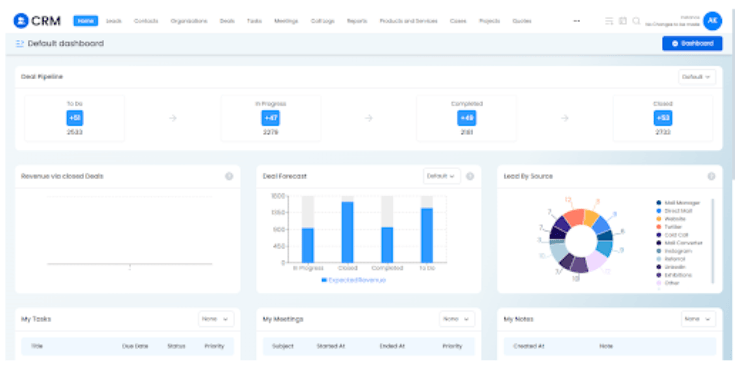
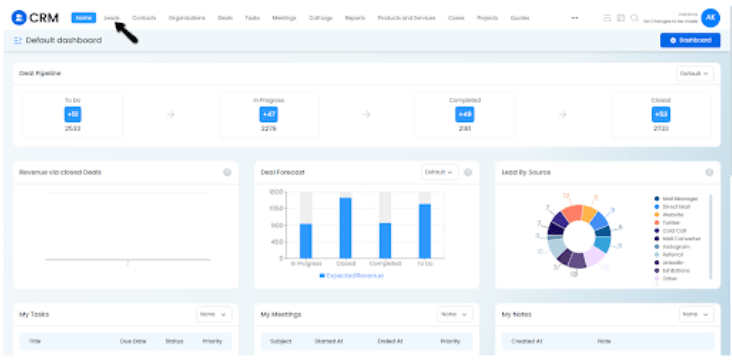
Step 2: Go to Leads Module
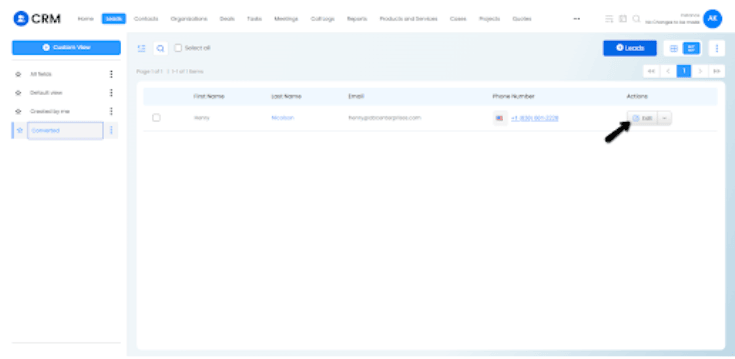
Step 3: Choose a lead and click on the edit button:
Step 4: Navigate to the Owner field, remove the existing owner and choose a new owner amongst the users added in the CRM and click on Save
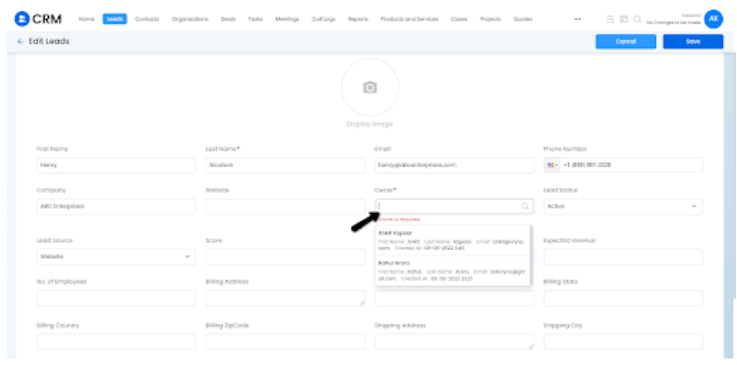
Step 5: Click on Save
- Transferring Lead Ownership by Mass Update
Step 1: Login to your Vryno CRM account
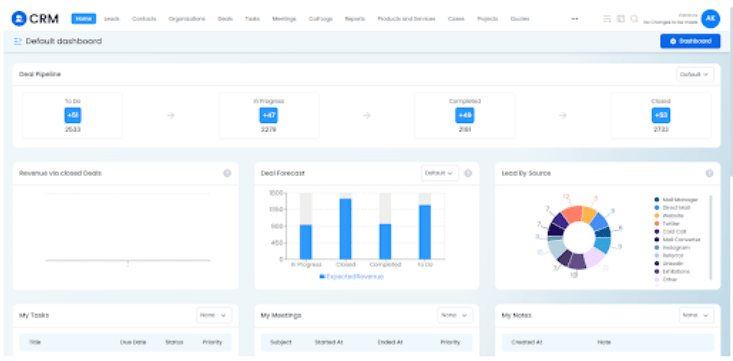
Step 2: Navigate to Leads Module
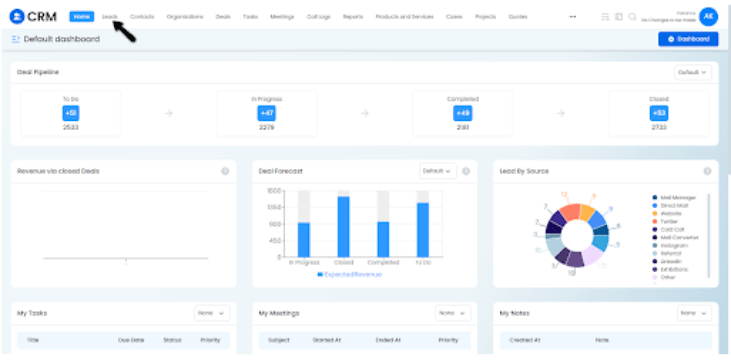
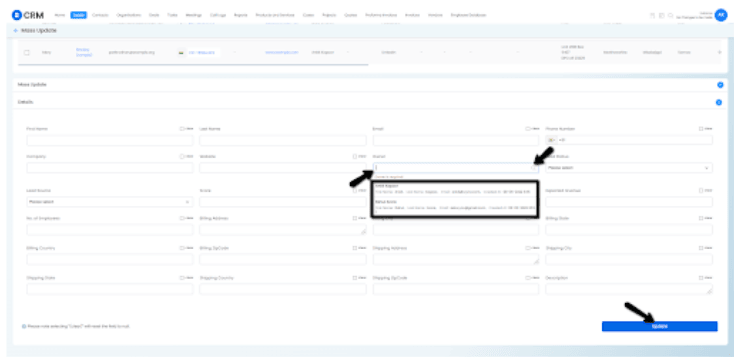
Step 3: Click on the three dots on the Top Right Corner of the screen and click on Mass Update
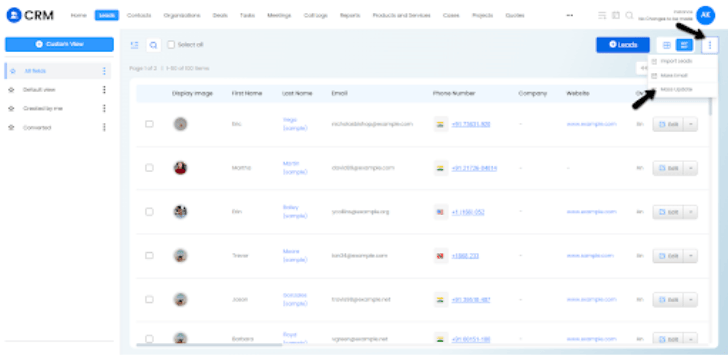
Step 4: Choose the conditions on the basis of which you want assign records and Click on Search
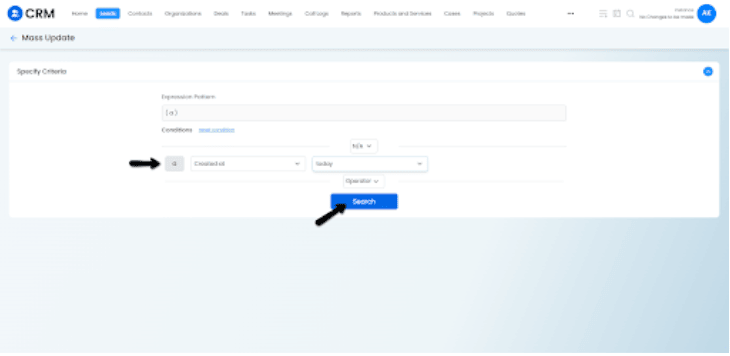
Step 5: Choose the records for which you would like to update by clicking on the checkbox and then click on Mass Update
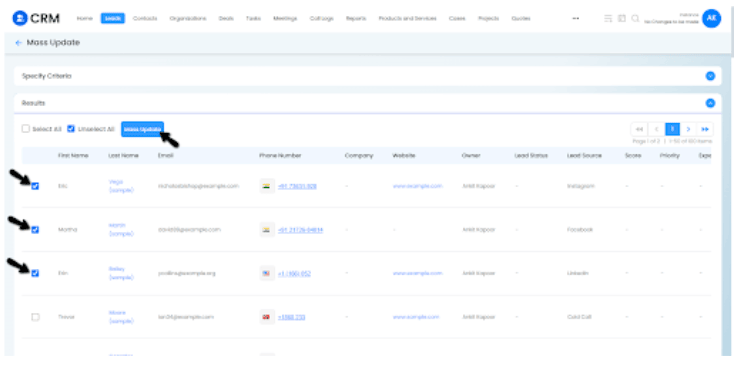
Step 6: Choose the Owner and Click on Update