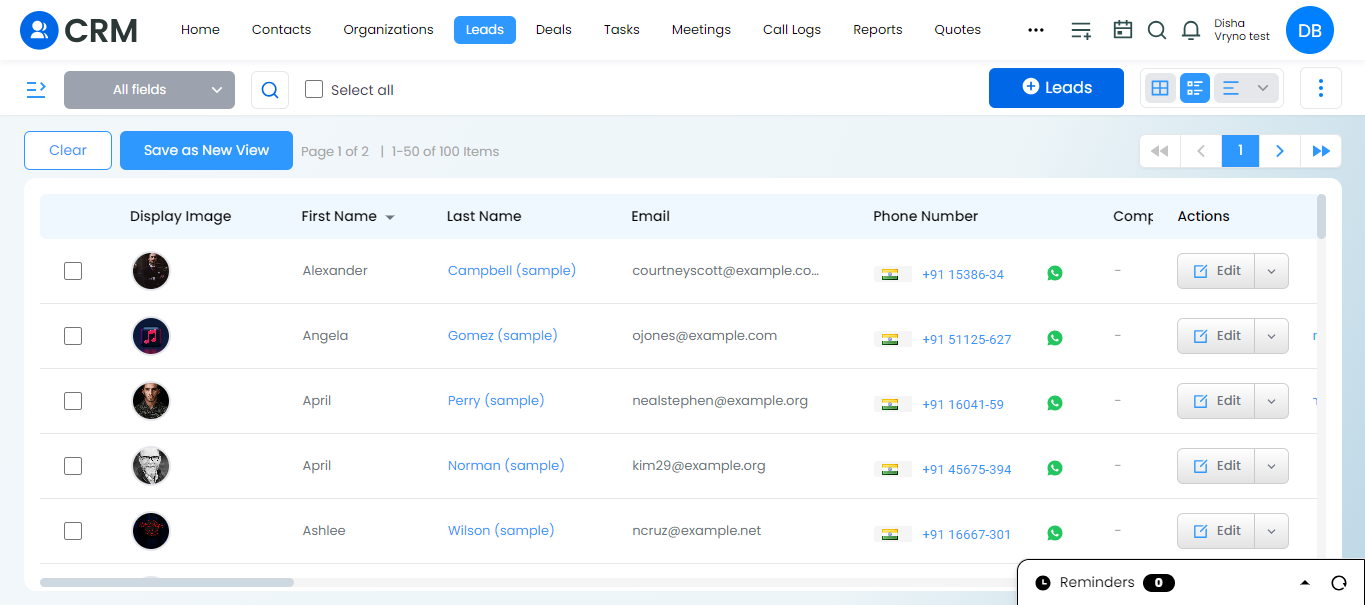
Steps to Sort the Fields in the List View in Vryno CRM:
1. Login to Vryno CRM: Log in to your Vryno CRM account using your credentials.
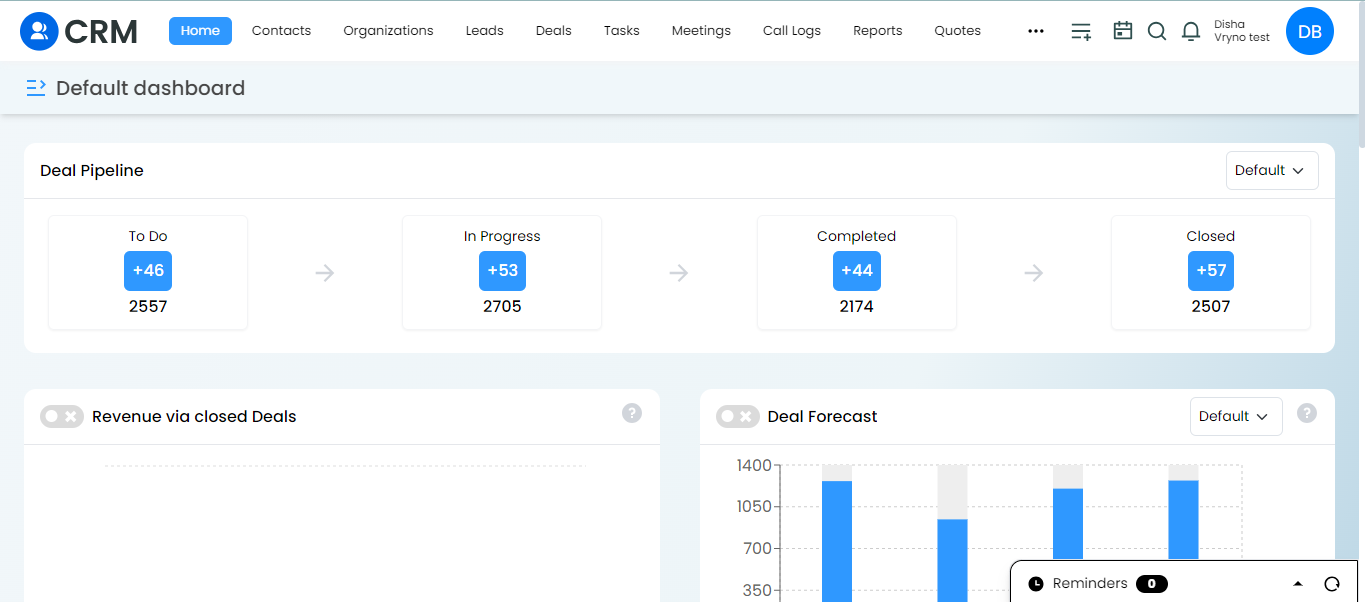
2. Choose a Module: Select a module from the options available, such as Leads, Deals, Organization, or Contacts.
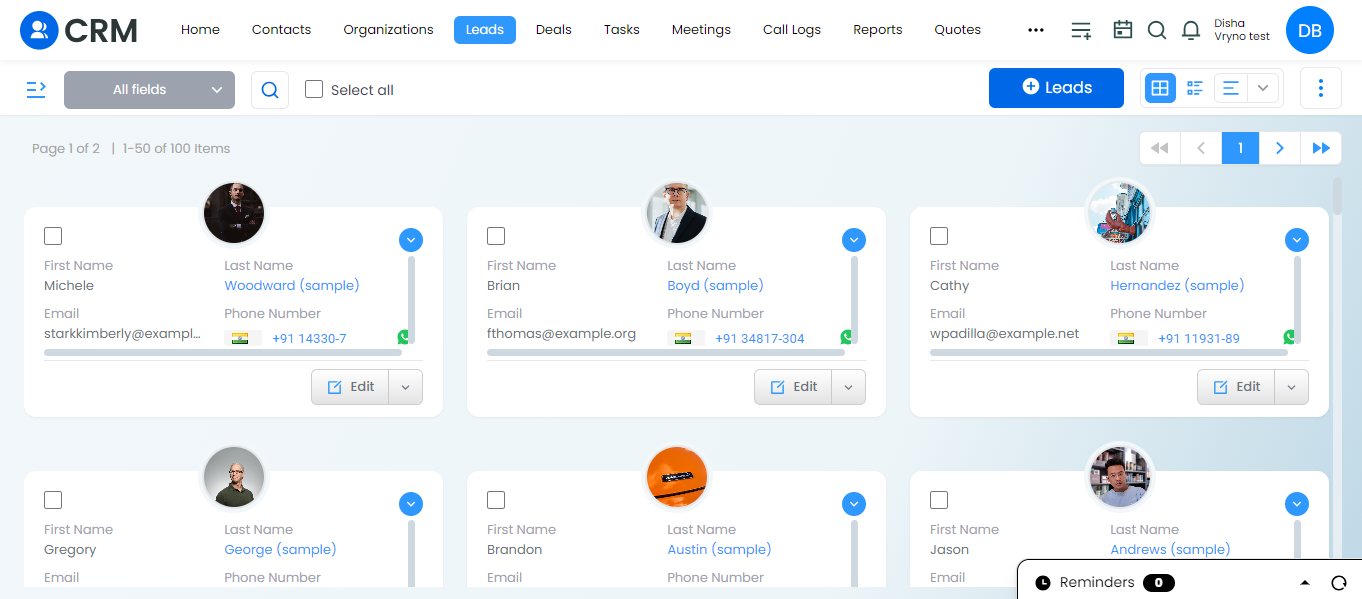
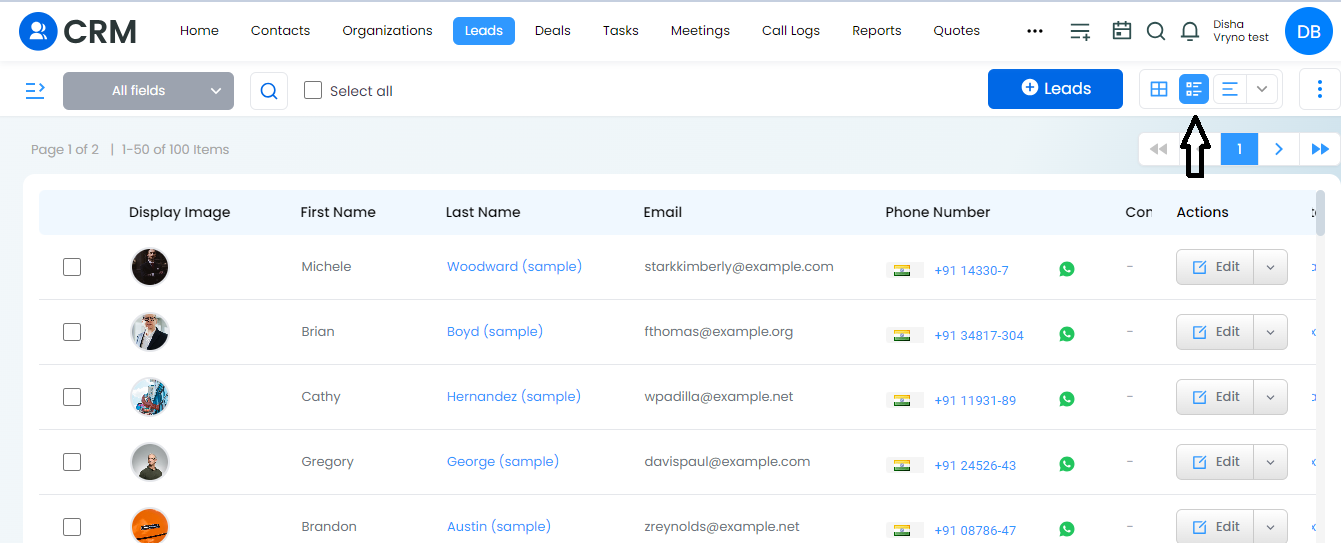
3. Open List View: Once inside the chosen module, navigate to the list view.
4. Select a Field for Sorting: Click on the dropdown menu of any field for which you want to sort the contents.
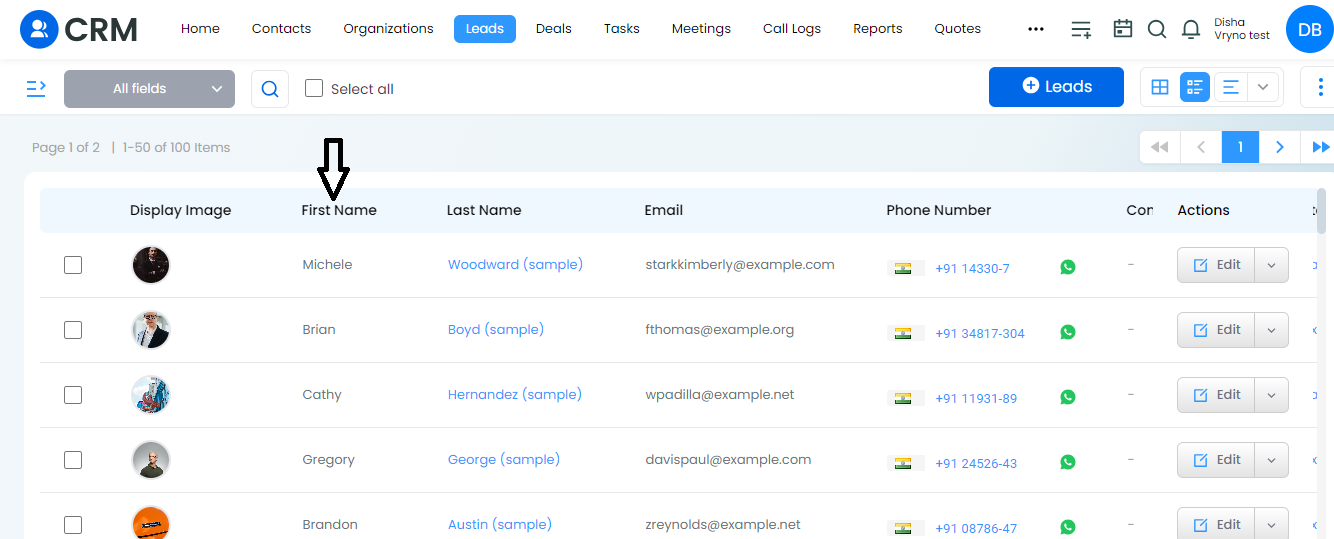
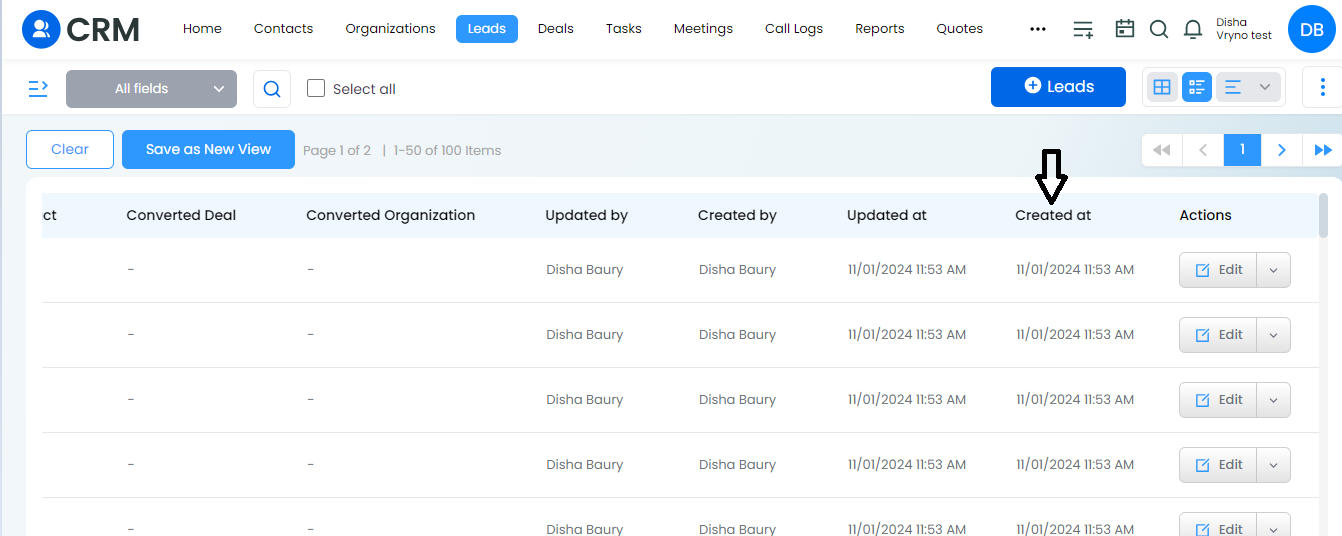
5. View Sorted Contents: This is how you can sort the fields in List view Vryno CRM, making it easier to navigate and analyze.